Crafting visual stories through motion, design, lens, and synthetic media.
Videographer • Photographer • Artist • Designer • AI Creator
Quick Jump to Folders
Videographer • Photographer • Artist • Designer • AI Creator
Motion, Commercial & Narrative Cuts
Editorial, Street & Portrait Stills
Experimental, Generative AI & Kinetic Works
Visual Identity, Layout & Digital Systems
Major Brand & Company Productions
Commit and push your updated portfolio (index.html) to synthehuman/portfolio (main branch)?
#Pos number + Enter, or use ↑ / ↓ to rearrange. Drag the bottom-right corner to resize box height.
All assets use clean filepaths or direct links (e.g. images/portrait.webp, files/resume.pdf, or Cloudflare R2 URLs).
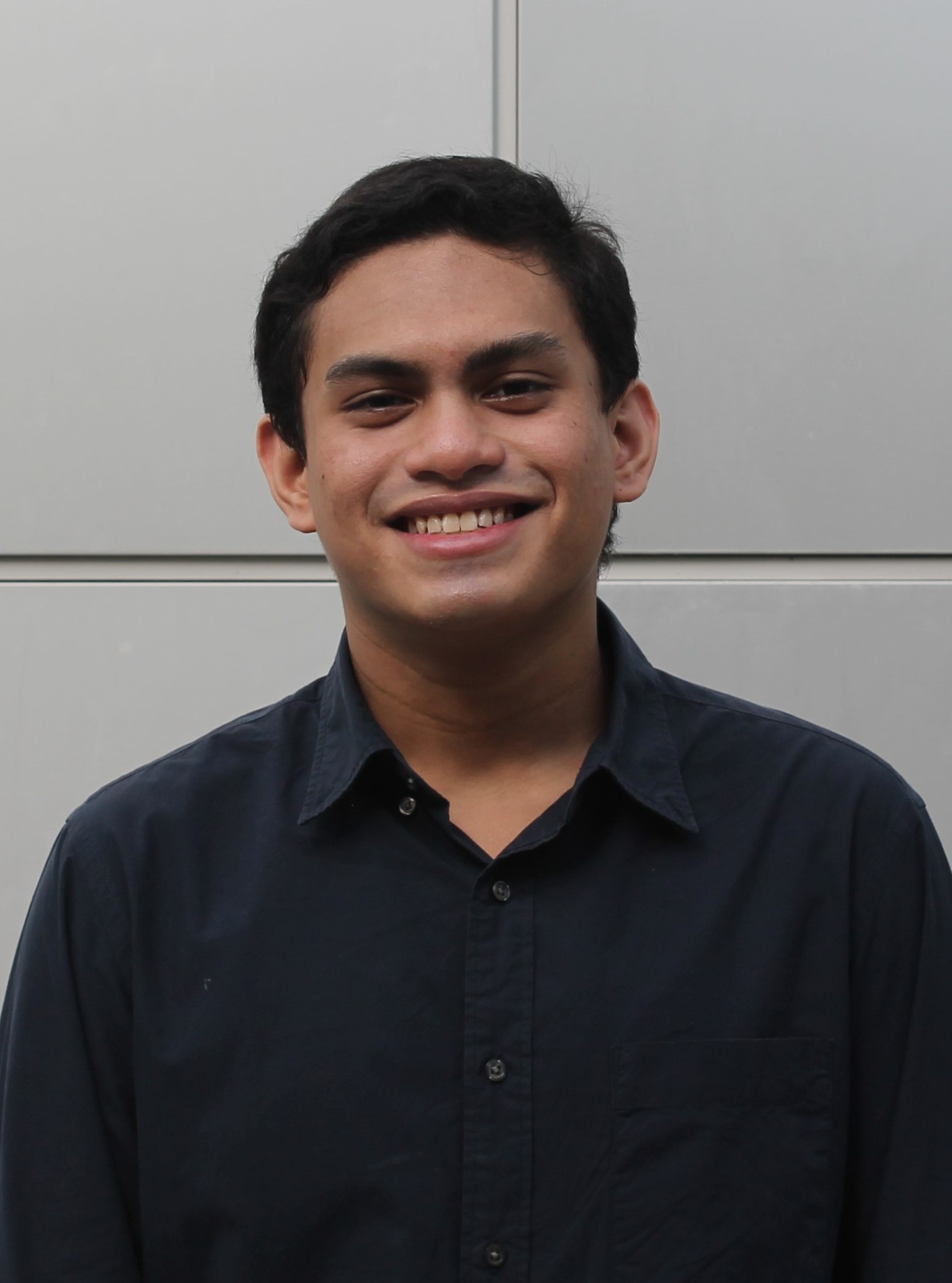
Enter your portrait image filepath in your repo (e.g. images/webcoverphoto.JPG) or direct Cloudflare R2 URL.
Enter the filepath to your PDF resume (e.g. files/Rufiyan-Ramli-Resume.pdf) or a direct cloud URL, and toggle the button ON or OFF anytime.
✓ Active Resume Filepath/Link: files/Rufiyan-Ramli-Resume.pdf
Write as much as you want—separate paragraphs with a blank line.
Configure your custom domain and the URL path for every page. Projects automatically nest inside your Projects slug (e.g. #/projects/videos/proj-1).
Enter the filepath or direct URL for your header logo icon (e.g. images/weblogoicon.png or https://media.rufiyanramli.com/logo.webp).
Set the icon and text displayed inside the web browser tab at the top of the window.
Paste any profile URL (Instagram, YouTube, Behance, LinkedIn, Vimeo, TikTok, X, ArtStation, GitHub, WhatsApp, etc.)—the matching icon is detected automatically.
https://www.instagram.com/fiyanramli/
Edit any text across Home, Projects, Contacts, Header, and Footer below, then click Confirm & Save.
Jump directly to your source repository or monitor live Cloudflare production deployments.
Fast Local Edits, Single Cloud Build: Every time you save or rearrange works in Studio Mode, your changes are saved instantly in your local browser without triggering premature Cloudflare builds. When you finish all your edits, click ⚡ Push Live to GitHub Now below to deploy everything in a single clean build.
index.html
Bakes all of your current projects, categories, custom URL slugs, Info story, resume filepath, and text changes permanently into a fresh index.html file.
Connect your GitHub repo once. Clicking Push Live to GitHub commits your updated index.html directly to GitHub so Cloudflare deploys it automatically in ~15 seconds.
Ready to sync with GitHub.
Public visitors only see your clean portfolio. Enter your private passcode to unlock the Studio Editor.